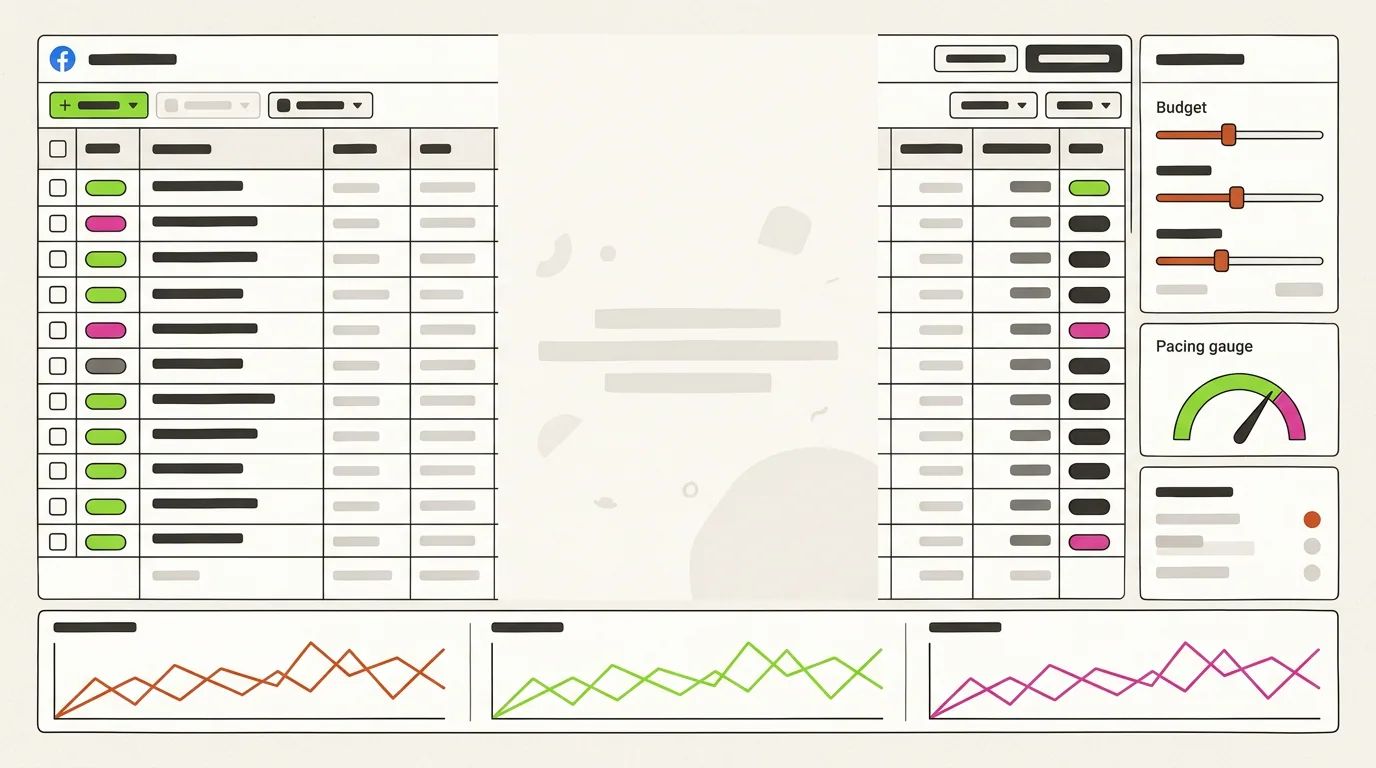
Facebook Ad Management Tools: What They Do and How to Choose
Meta's own Ads Manager is where campaigns live, but most teams run day-to-day work through management tools for Facebook ads that add bulk launch, rules, cross-account reporting, and increasingly AI agents. This guide covers the capabilities that matter and the criteria for picking one.
See Facebook ads management softwareTable of Contents
How Facebook Ad Management Tools Evolved
Five generations of tooling, each one removing a layer of manual work. Most accounts today sit somewhere between generations three and five.
Native Ads Manager Only
Everything by hand inside Meta's interface: one campaign at a time, daily manual checks, exports to spreadsheets for reporting.
Bulk Editors and Automated Rules
Software that launches dozens of ad sets from a sheet and pauses or scales them on simple if-then rules. Fast, but blind to context.
Cross-Account Dashboards
One table for every account, channel, and creative, with revenue and attribution data joined in. Reporting stops being a weekly project.
AI Recommendations
The tool reads the account and proposes budget moves, creative rotations, and audience changes with a reason attached. A person still clicks apply.
AI Agents With Approvals
Agents monitor continuously and act inside agreed guardrails, escalating anything unusual to an approval queue. Every action is logged.
Field notes
What Teams Notice After Switching Tools
Illustrative situations from typical accounts. Names and companies are not real; the patterns are.
"The first thing that changed was the morning. Instead of opening six ad accounts, we open one table sorted by yesterday's cost per result. Illustrative note."
Performance lead, DTC brand
Illustrative profile
"Automated rules used to pause winners during a slow Tuesday. AI recommendations with a reason attached fixed that; we approve them in two minutes. Illustrative note."
Media buyer, agency
Illustrative profile
"Bulk launch from a sheet cut our launch day from eight hours to one. What we did not expect was needing a naming convention before it paid off. Illustrative note."
Growth manager, mobile app
Illustrative profile
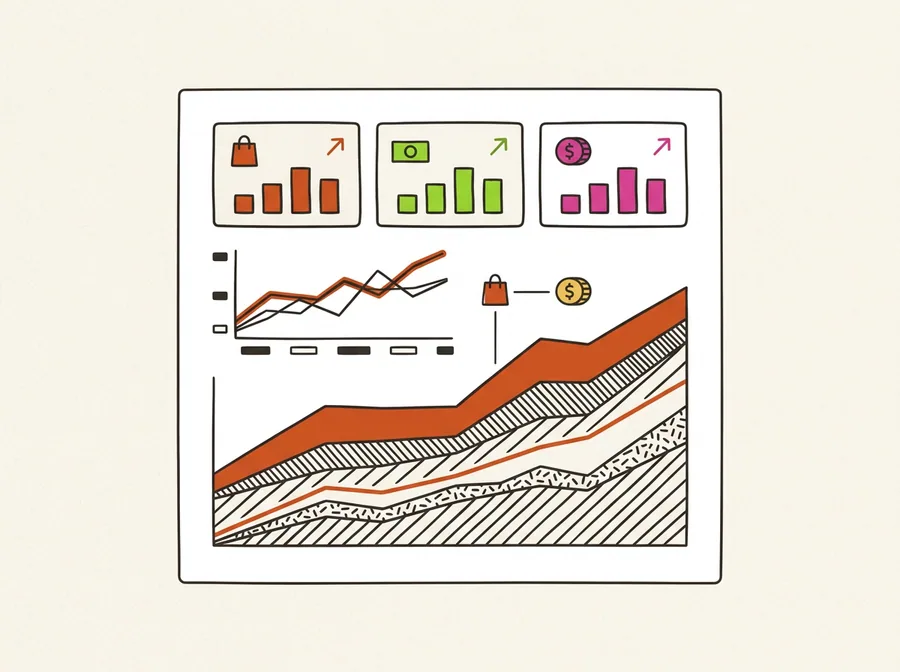
Views You Should Expect From a Facebook Ad Management Tool
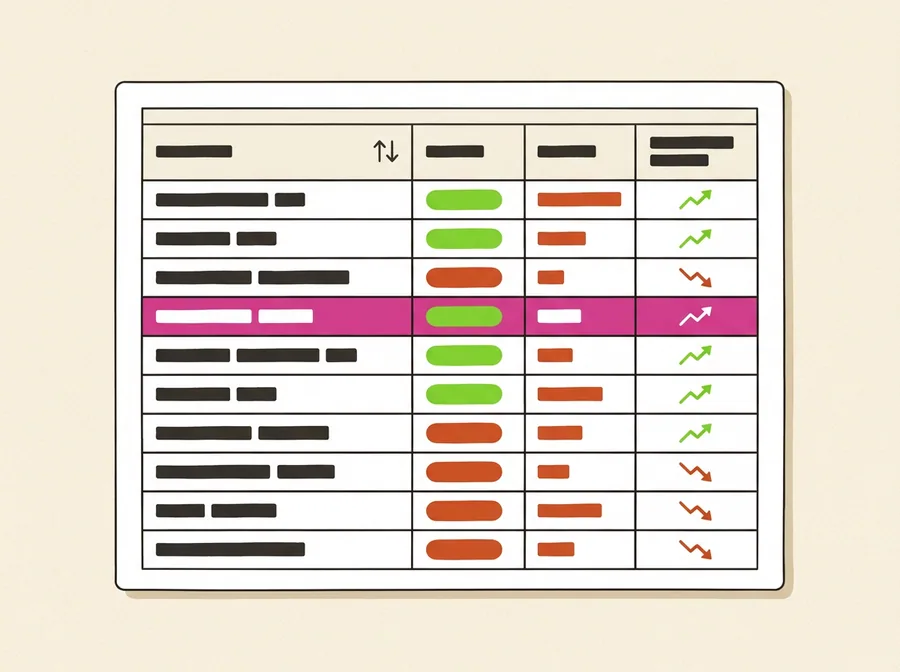
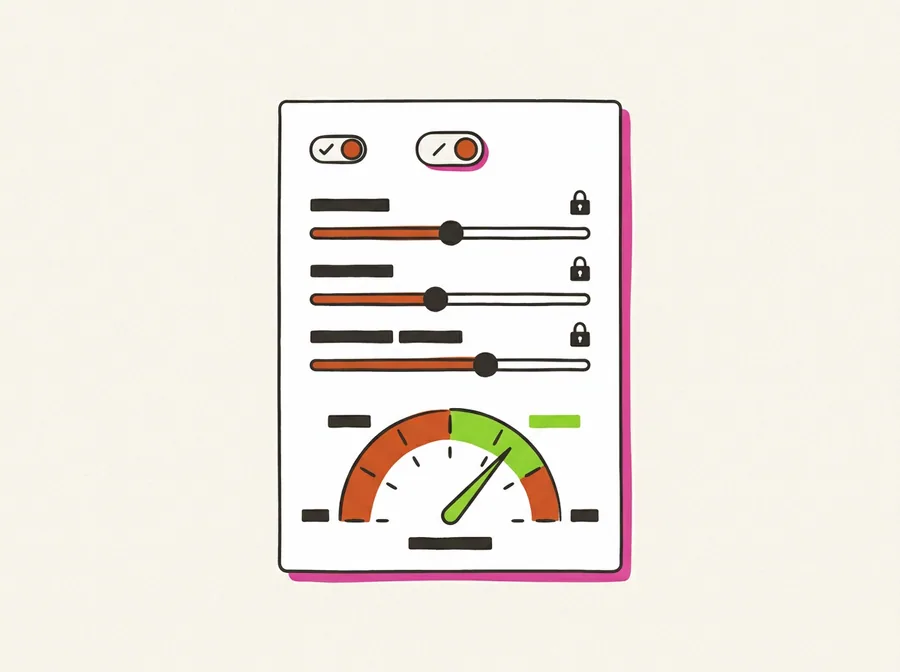
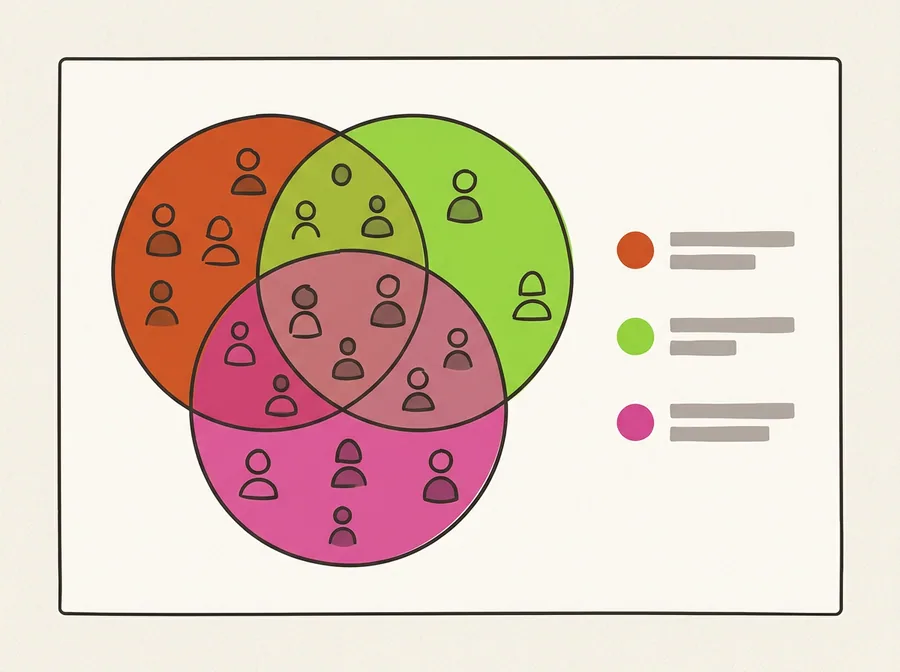
Six screens that separate serious ads management tools from a prettier Ads Manager: the campaign table, budget controls, creative library, audience overlap, rules and approvals, and reporting.


How to Choose Facebook Ad Management Tools
Four steps that keep the decision tied to your account, not to a feature list.
Step 1: Name the Hours You Want Back
Track one week: time spent launching, checking, adjusting, and reporting. The largest block tells you whether you need bulk launch, automation, dashboards, or AI agents first.
Step 2: Check the Controls Before the Features
Daily budget caps, CPA or ROAS limits, a maximum change per action, and approval before anything above a threshold. If the tool cannot show you the limits, skip the demo.
Step 3: Test on One Account With a Holdout
Connect a single ad account, keep a comparable campaign under the old process, and run two optimization cycles. Compare cost per result and hours, not screenshots.
Step 4: Read the Action Log
Go through every change the tool made or proposed. Count the ones you would have made, the ones you would have blocked, and the ones you cannot explain. That ratio decides.
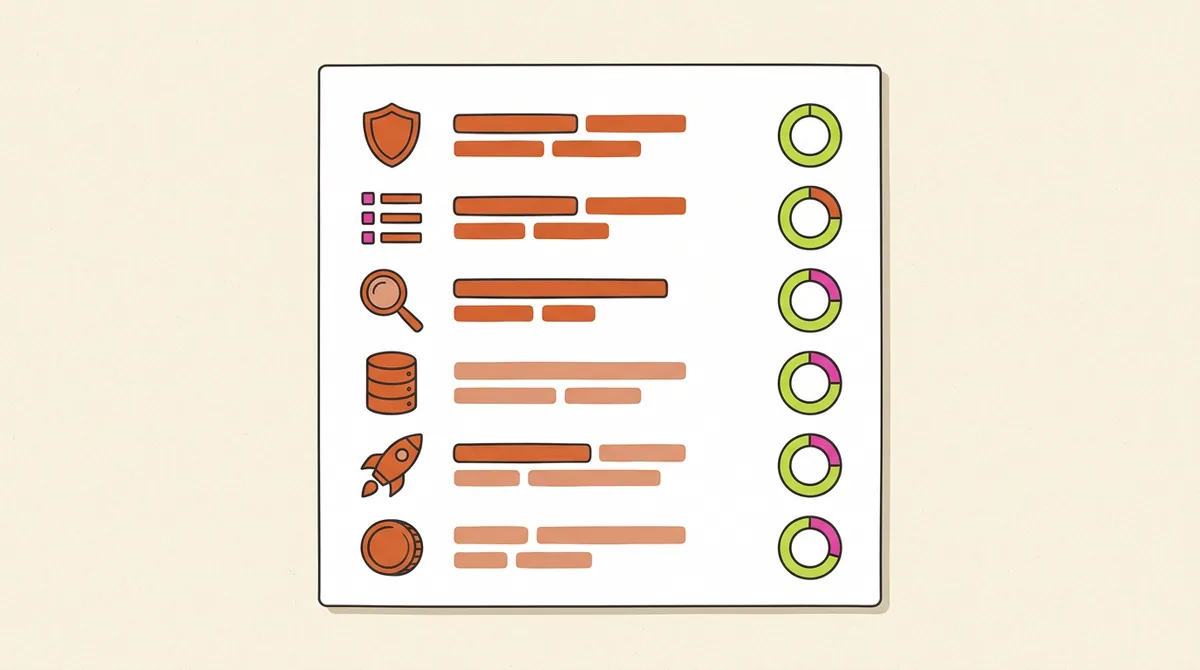
Six Criteria for Facebook Ads Management Tools
Scope of automation, guardrails, transparency, data depth, launch speed, and cost per account. The first three decide whether you can trust the tool; the last three decide whether it pays.
Guardrails
Budget, CPA, and change-size limits configured inside the tool, plus an approval step for anything outside them.
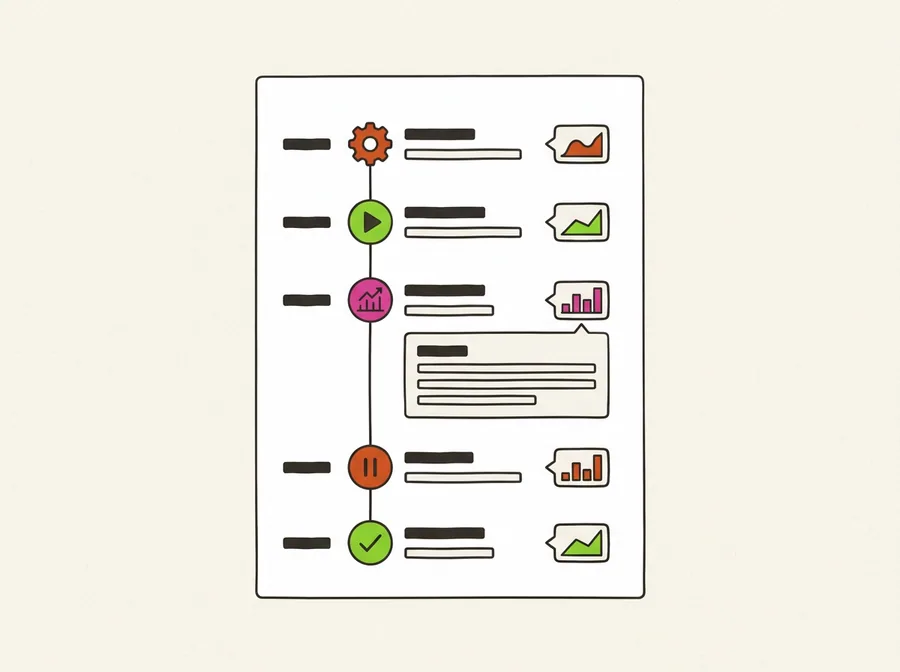
Transparency
Each action links to the metric that triggered it and the result it produced. No log, no way to tell skill from luck.
A good Facebook ad management tool does not make more changes than a buyer would. It makes the same changes earlier, and writes down why.
Capabilities of a Modern Facebook Ads Tool
Six capabilities that cover most of the daily work in a Meta account. AdBid's campaign manager is one example of the table-first approach.
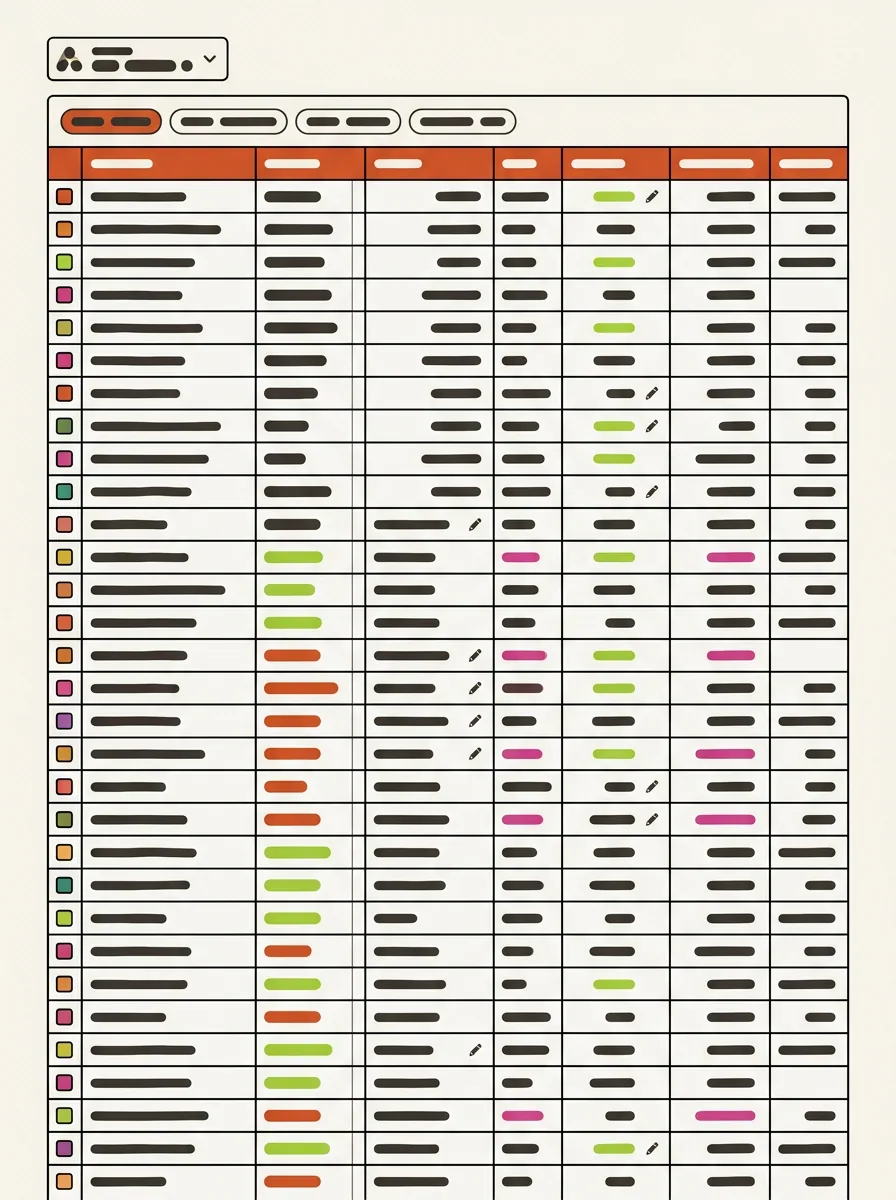
One Live Campaign Table
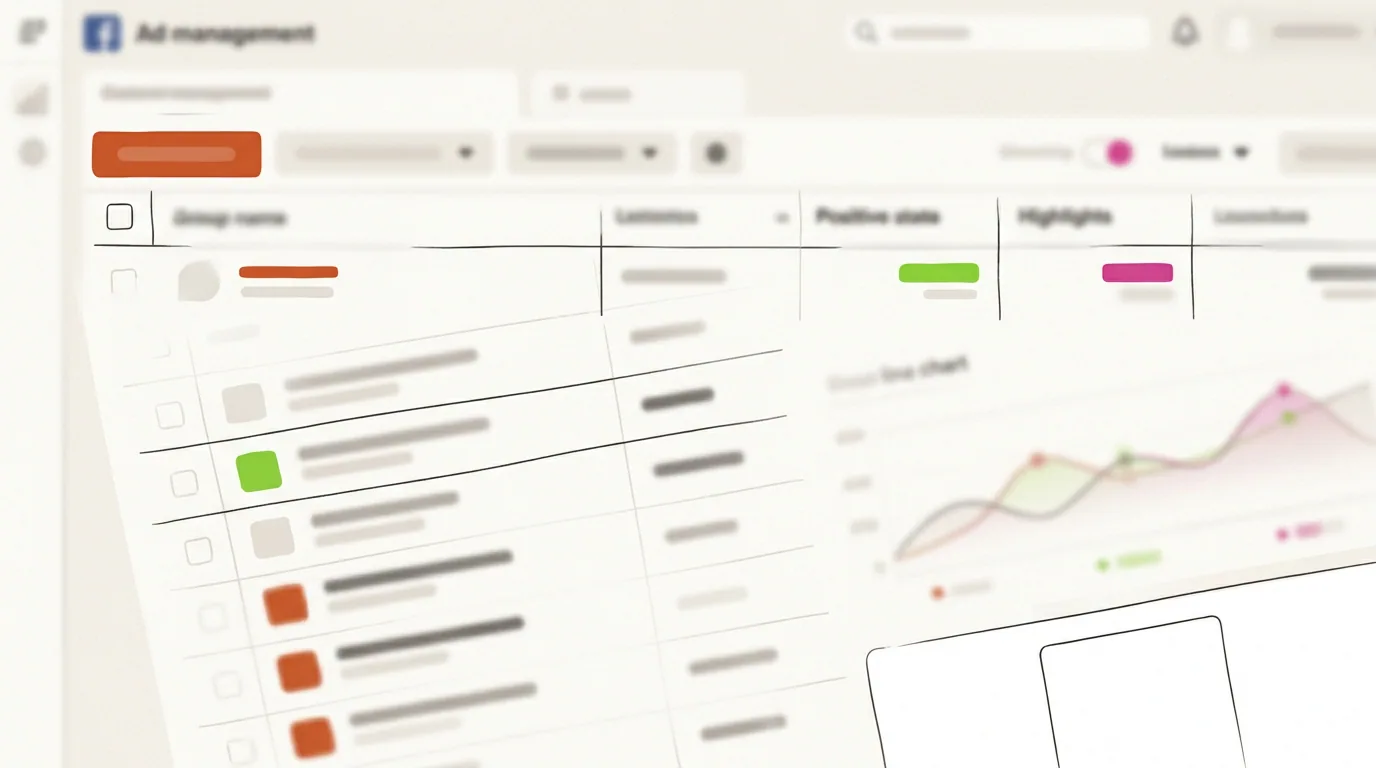
Every campaign, ad set, and ad across accounts in one sortable table with inline edits. Replaces the tab-per-account routine.
Bulk Launch
Build dozens of ad sets and ads from a structured brief or sheet, with naming conventions applied automatically.
Rules With Context
Automated rules that consider learning phase, seasonality, and attribution lag instead of firing on one bad day.
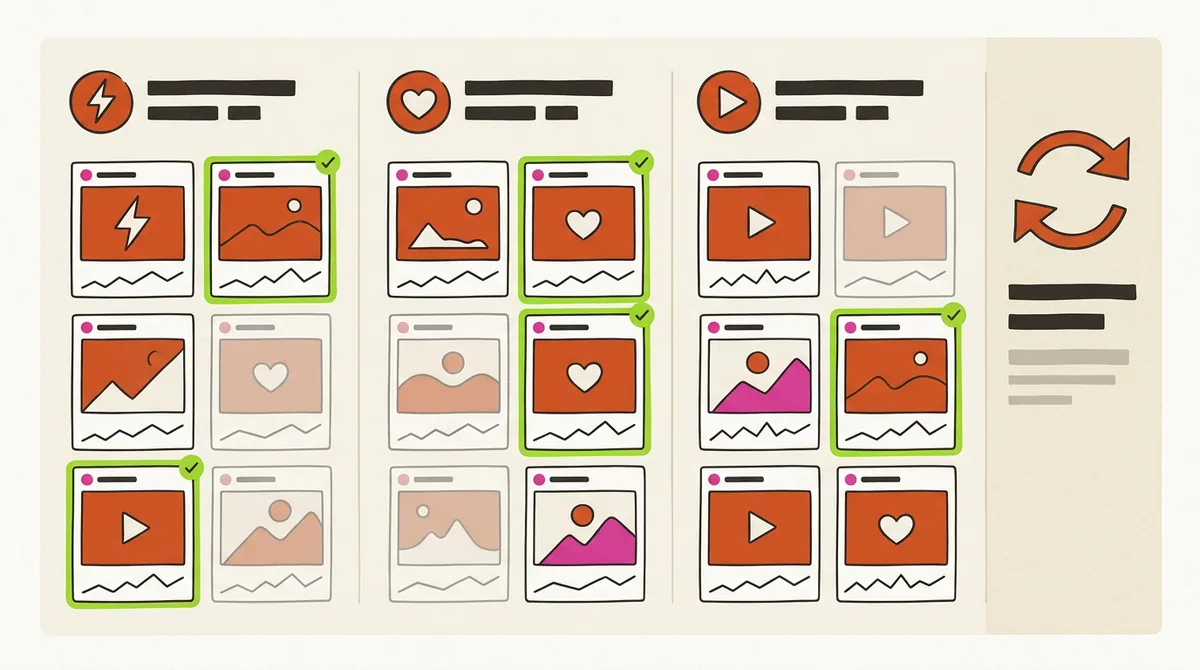
Creative Intelligence
Group variants by hook, format, and placement, spot fatigue early, and feed winners back into the next test.
Revenue-Level Reporting
Spend joined to purchases, cohorts, and lifetime value rather than platform-reported conversions alone.
AI Agents With Approvals
Continuous monitoring and routine optimization inside guardrails, with an approval queue and a full log of actions.
FAQ: Management Tools for Facebook Ads
Short answers to the questions teams ask when they outgrow the native Ads Manager.
Third-party software that connects to Meta ad accounts through the Meta Marketing API to launch, monitor, optimize, and report on campaigns faster than the native Ads Manager allows, often across many accounts at once.
Usually not for launch and reporting. The case appears when daily checks and adjustments take more than an hour, or when creative testing volume outgrows what one person can track by hand.
No. Rules fire on fixed thresholds without context. AI ad management reads the whole account, weighs learning phase and attribution lag, proposes an action with a reason, and can wait for approval.
Yes, if they make large or frequent changes that reset learning, or if limits are missing. Insist on budget and CPA guardrails, a maximum change per action, and an approval step for anything unusual.
Same account type, same objective, fixed budget, a manual holdout, and at least two optimization cycles. Score cost per result, hours saved, and how many logged actions you agree with.
AdBid is generation-five software: AI agents run Meta accounts inside guardrails with an approval queue, one live campaign table, and revenue-level reporting. Details on AdBid's Facebook ad management tools page.